Students and academics
Student and staff attendance management
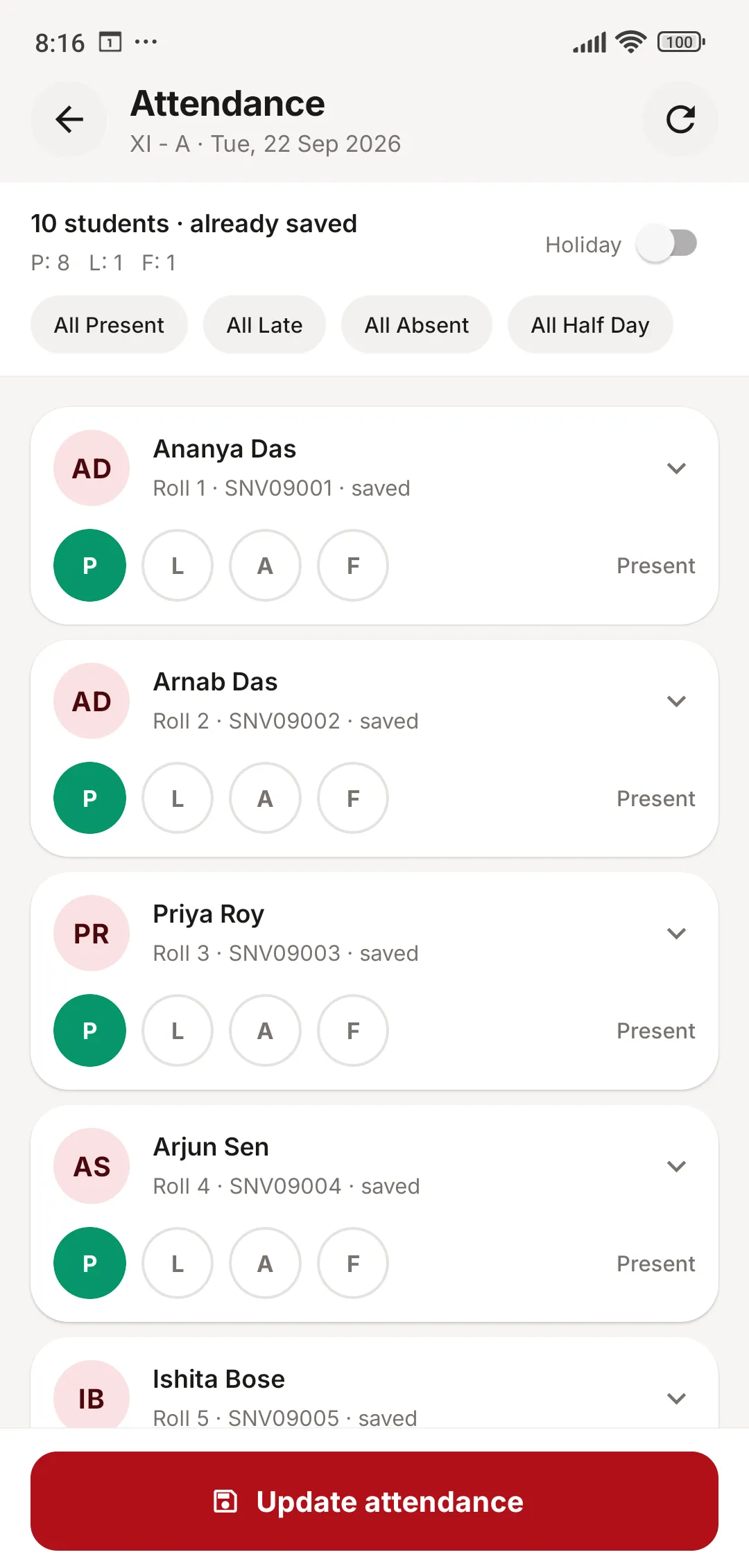
Teachers mark attendance on their phone in a few seconds: everyone present, then tap the exceptions. The moment it is saved, the office sees it on the web panel and parents see it in their app — no registers to collect and copy at the end of the month.
Schools with biometric devices can connect them directly, so a student’s punch at the gate becomes an attendance mark without anyone typing it in.
What you can do with Attendance
Student attendance
- Daily attendance by class and section
- Period-wise (subject) attendance for schools that track every period
- Present, late, absent and half day — or mark the whole day as a holiday
- Attendance by date for the office, and attendance reports by class and month
Biometric devices
- Devices push attendance straight to JCABS over the internet
- Only devices whose serial numbers you register are accepted
- Biometric marks are flagged, so you can tell them apart from manual entries
Staff attendance and leave
- Staff attendance register, which feeds into payroll
- Leave types with apply-and-approve for staff
- Students and parents apply for leave from the app; teachers approve it there too
Happens automatically
- Class teachers get a reminder on their phone if attendance has not been marked a set time after the school day starts. A day saved as a holiday counts as marked.
- When a teacher is absent or on leave, their periods show up for substitution so cover can be assigned
In the school app
Attendance for parents, students and teachers
Teachers mark a class in seconds — all present, then tap the exceptions.
- One-tap all present, all late, all absent or all half day
- Mark a holiday for the whole class
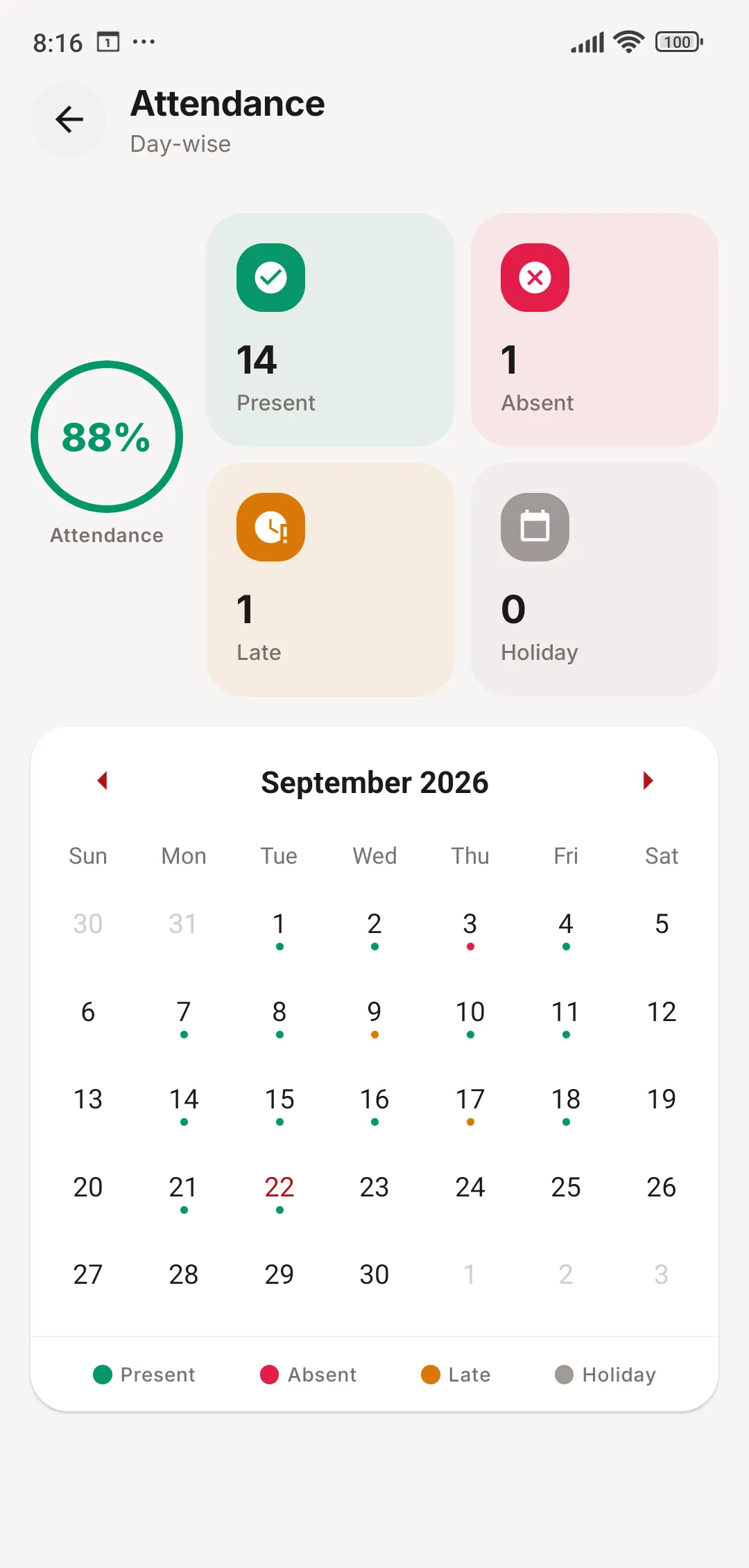
- Students and parents see a month-by-month attendance calendar
Attendance: common questions
Something else on your mind? Write to us at [email protected].
Which biometric devices work with JCABS?
Devices that can push attendance data to a web address can be connected; each one is registered by its serial number. Tell us your device model during the demo and we will confirm it.
Can teachers mark attendance from their phone?
Yes. The teacher app opens the class list for the day with one-tap buttons for each student and for the whole class. Attendance can be corrected later the same way.
Do parents see attendance straight away?
Yes. As soon as a teacher saves attendance, it appears in the parent and student app, along with a monthly calendar and the overall attendance percentage.
Can we take attendance for every period?
Yes. Schools can use daily attendance, period-wise subject attendance, or both.
Works together with
Timetable
Class and teacher timetables, class teachers, subjects, and period-by-period substitution.
Learn more about TimetableHR & Payroll
Staff directory, attendance, leave, payroll and payslips, ID cards and role-based access.
Learn more about HR & PayrollStudent Information
Admissions, profiles, siblings, documents, ID cards, certificates, promotion and alumni.
Learn more about Student InformationSee JCABS with your own school’s data in mind
Book a free online demo. Bring your fee structure and a sample report card, and we will show you how they work in JCABS.