School app for parents, students and teachers
Everything families used to chase over phone calls, diaries and notice boards — today’s timetable, this week’s homework, the latest results, what is still owed on fees, and every notice — in one Android app. It reads from the same system the school office uses, so what parents see is what the office sees.
- Your school’s name and colours
- Android 7.0+
- Light and dark themes
- No ads, no trackers
For students
The whole school day on one screen
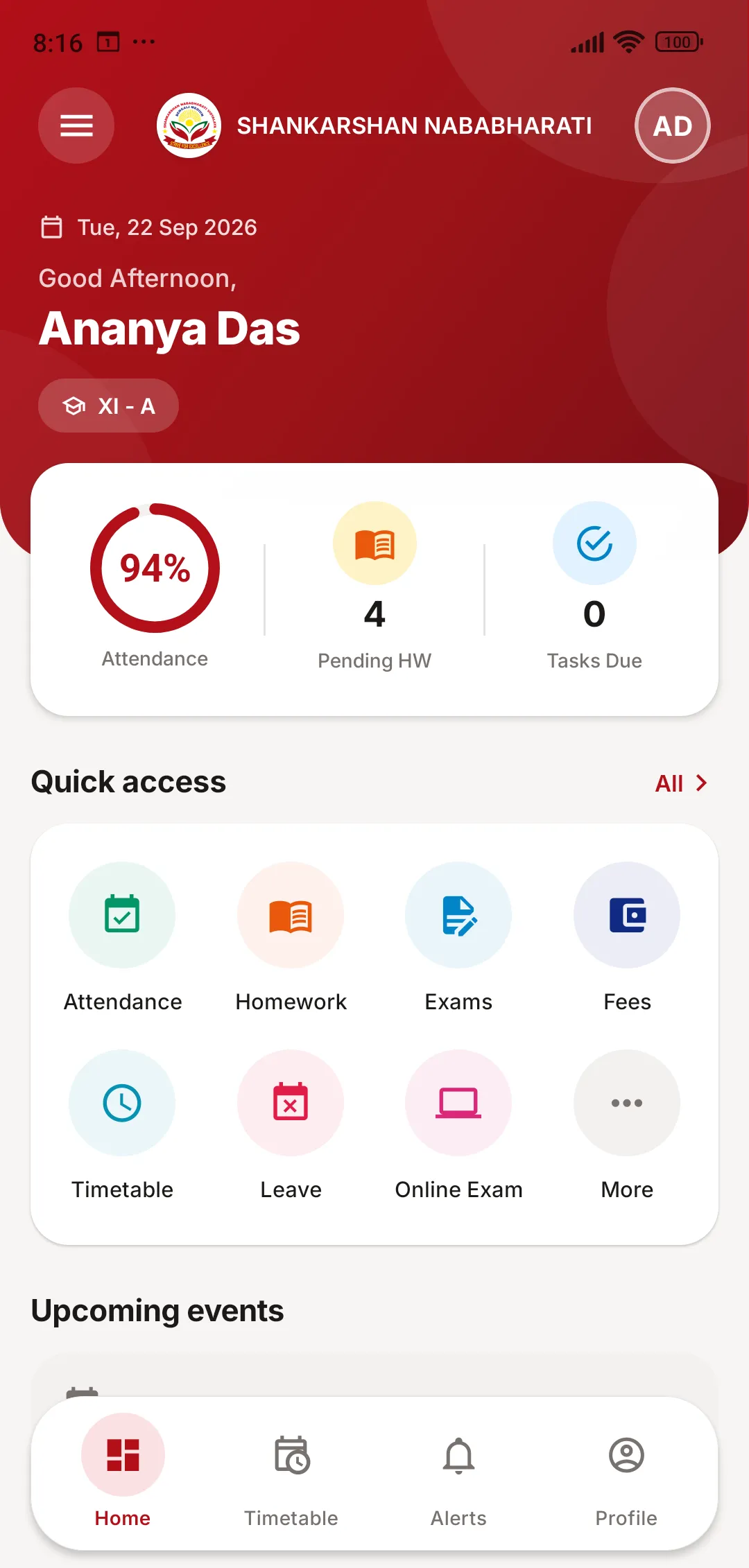
Students open the app to today’s periods, their attendance percentage and the homework still pending. Everything else is one tap away.
- Dashboard with attendance, pending homework and today’s periods
- Timetable with subject, teacher and room
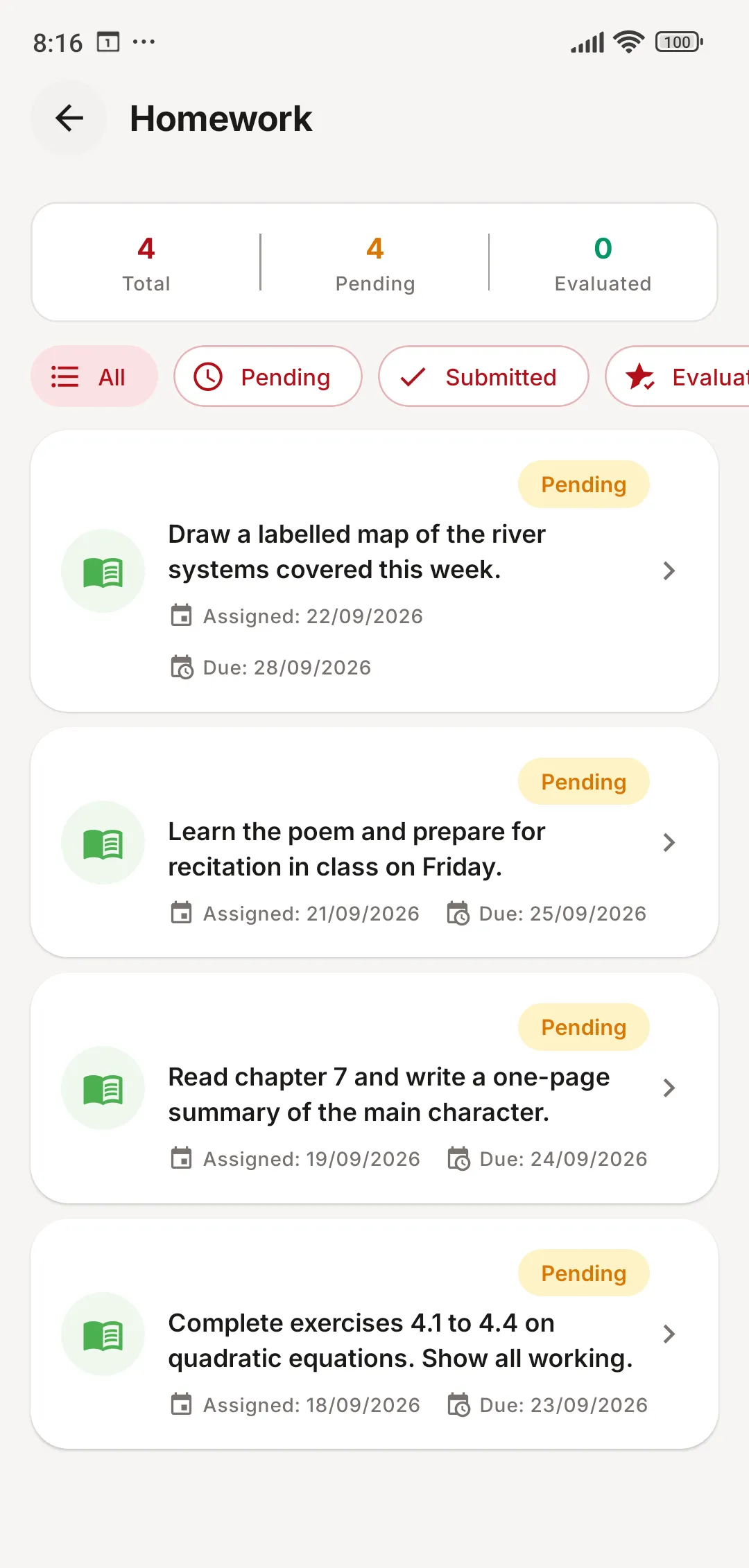
- Homework with due dates and attachments — submit from the phone
- Exam datesheets, marks, grades and downloadable report cards
- Online exams, with the result straight after submitting
- Syllabus progress, library books due, and the download centre
- Apply for leave and follow it through approval
- Live classes and online courses, where the school runs them
For parents
Every child, one login
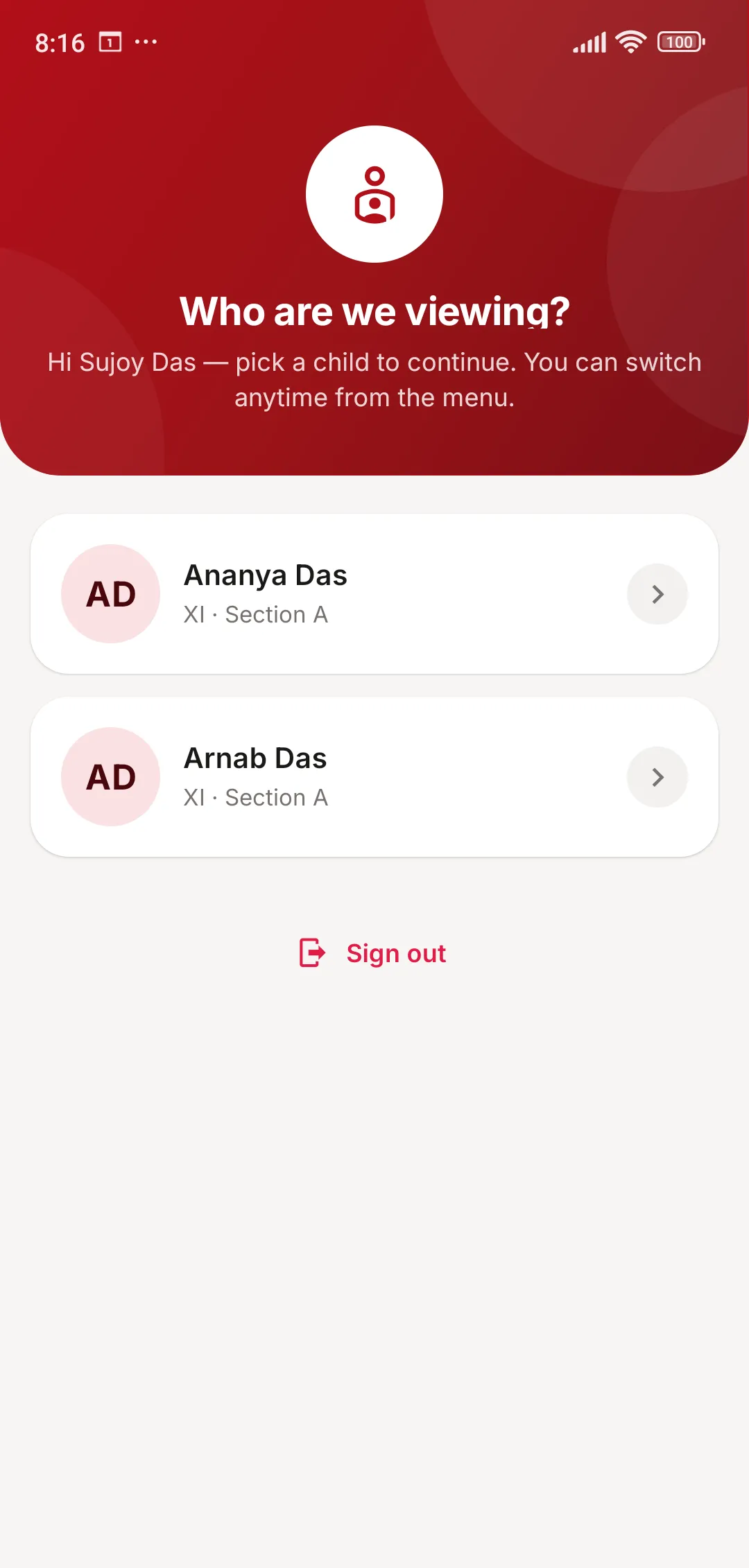
Parents see everything their children see — and switch between brothers and sisters at the same school without a second account.
- Switch between children in a single tap
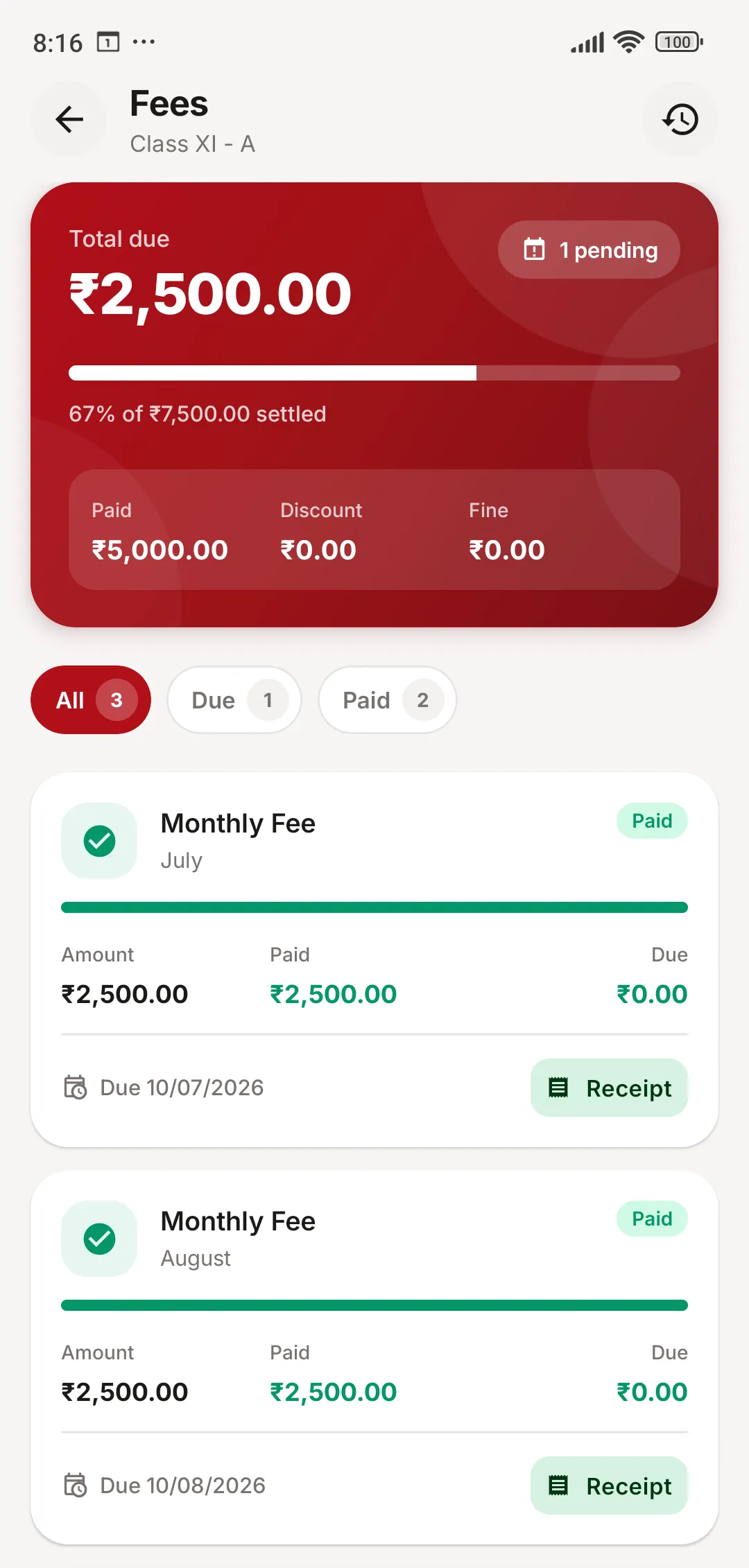
- Fee dues, payment history and receipts for each child
- Pay fees online through the school’s payment gateway
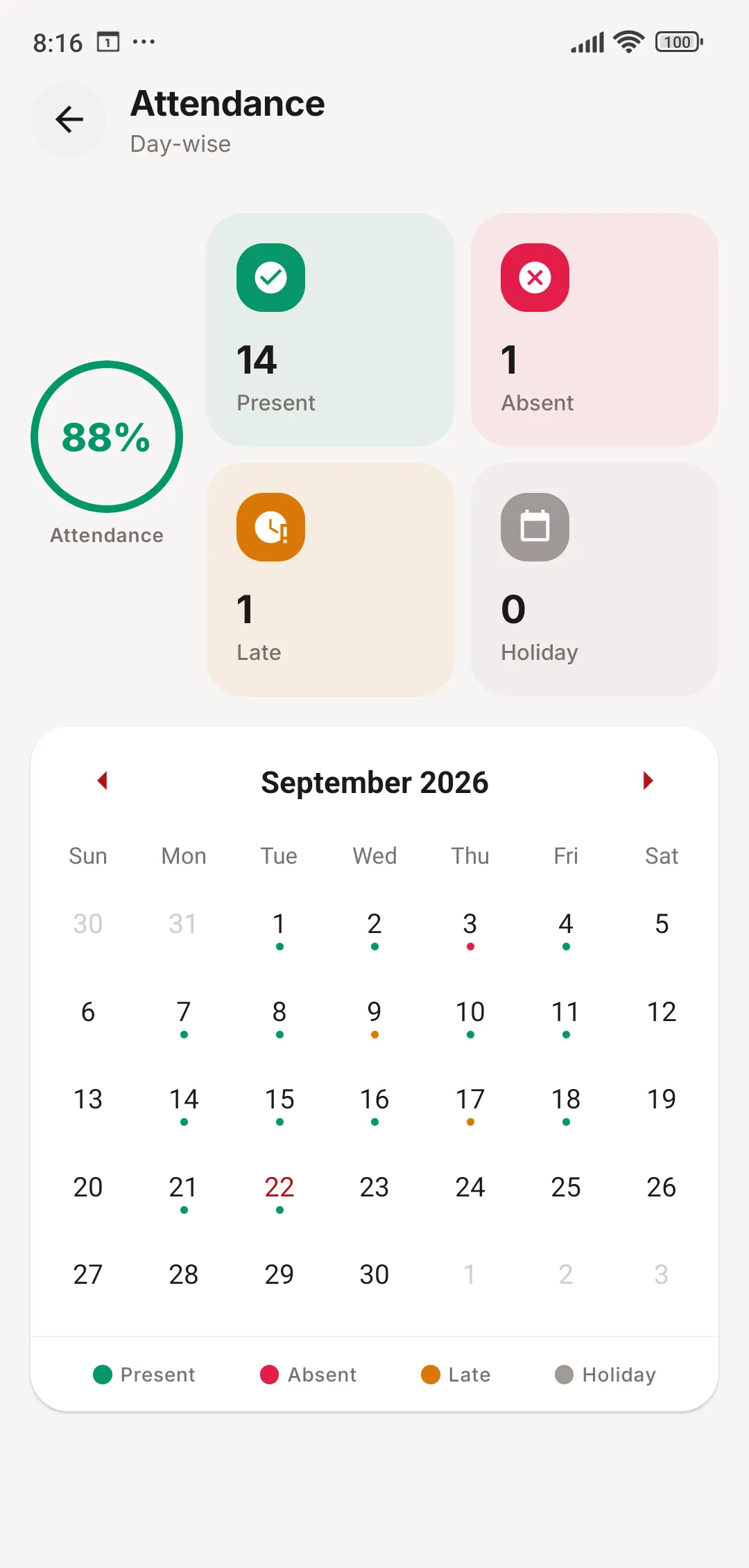
- Attendance and results as they happen, not at the end of term
- Transport route and hostel details
- Notices, the school calendar and chat with teachers
- Send feedback to the school
For teachers and staff
Class work, done from the phone
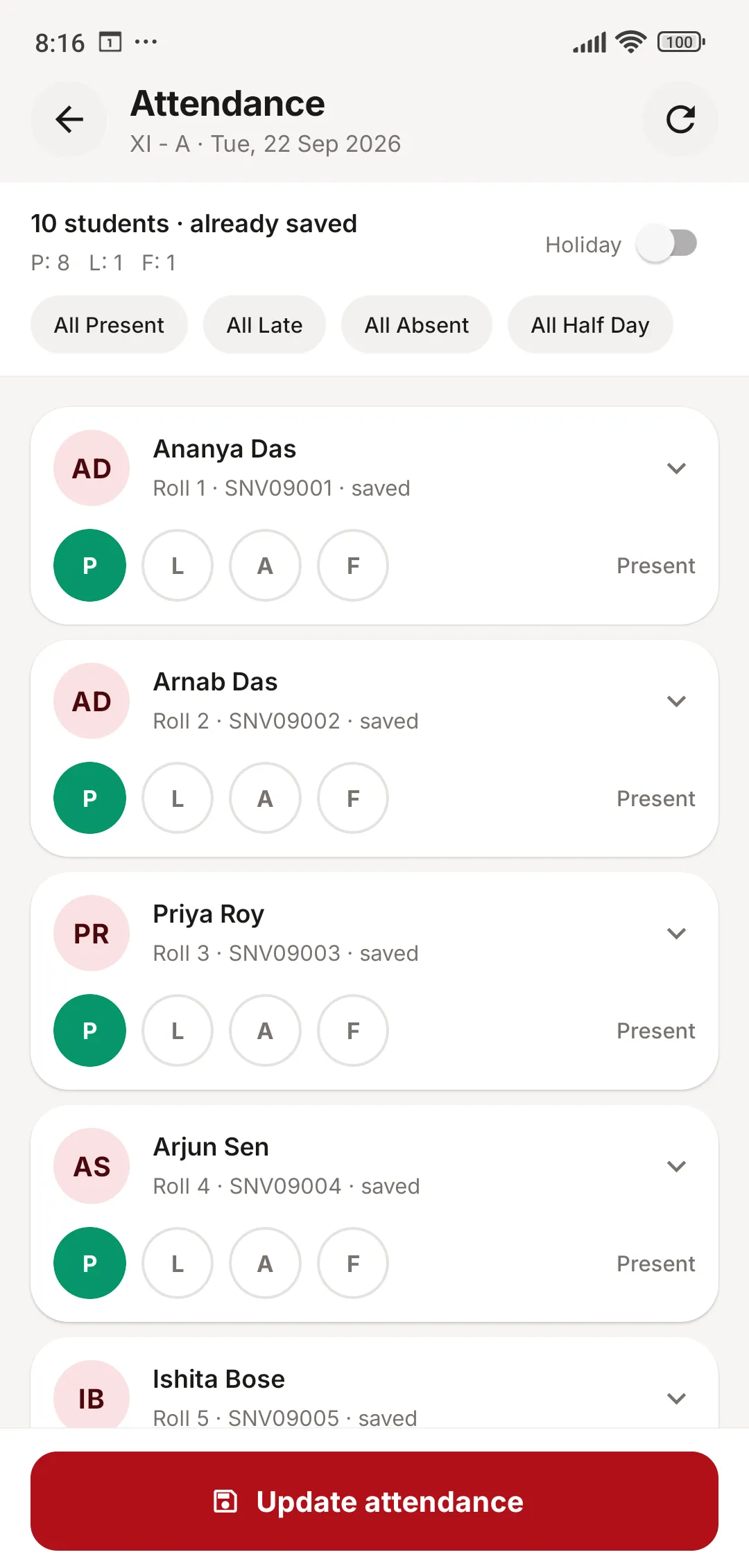
Teachers mark attendance in seconds, set and check homework, and enter marks — without waiting for a free computer in the staff room.
- Mark class attendance in seconds, period by period
- Set homework with reference files, then evaluate submissions
- Enter exam marks
- Their own timetable, substitutions, attendance and leave
- Student directory with profiles, attendance and fee status
- Approve or decline student leave requests
- Collect fees and pull collection reports, where their role allows
- Post notices and keep syllabus progress up to date
Your branding
Your school’s app, not ours
Parents find the app by searching for your school’s name. It opens with your crest and your colours, and talks only to your school’s own system. The screens on this page come from a school that uses red and gold — yours will look like your school.
Your name and crest
On the launcher icon, the sign-in screen and every page header.
Your colours
The app’s theme follows your school’s brand colours.
Private by design
No public sign-up, no ads, no trackers, no selling of data.
Update control
The school can prompt or require families to update the app.
School app: common questions
Something else on your mind? Write to us at [email protected].
Is the app available on iPhone?
The app is available for Android today, which is what most families in India use. Everything in it is also available to parents through the web portal.
Does each school get its own app?
Yes. The app carries your school’s name, crest and colours, so parents see your school — not ours — on their home screen and in the Play Store.
How do parents and students sign in?
The school issues usernames and passwords; there is no public sign-up. Login details can be sent to every family in bulk by SMS or email from the admin panel.
Do teachers see everything in the app?
No. Staff only see the modules their role grants them. The app mirrors the permissions set in the web panel, so an accountant and a class teacher see different things.
Does it work on older phones and slow internet?
The app runs on Android 7.0 and newer, and screens are built to load on a patchy connection. Light and dark themes are both available.
Give your parents an app they’ll actually use
Book a free online demo. Bring your fee structure and a sample report card, and we will show you how they work in JCABS.