Students and academics
Student information system for schools
Every other part of JCABS — fees, attendance, exams, transport, the parent app — reads from the same student record. Enter a student once at admission, and the class teacher, the accounts desk and the parent all see the same details from then on.
The record follows the student through their whole time at your school: the admission enquiry, the admission itself, section changes, promotion to the next session, certificates, and finally the alumni register. Nothing is deleted when a student leaves, so old results and fee history stay available.
What you can do with Student Information
Admissions
- Admission form with your own custom fields — no code changes needed
- Online admission form on your school website, with the application fee paid online
- Bulk import of existing students from a CSV file, so nobody re-types records
- Admission enquiries tracked in Front Office until they convert
Student profiles
- Photo, guardian details, address, category and school house
- Siblings linked together, so one parent login covers every child
- Documents uploaded against each student
- Students studying in more than one class (multi-class)
- Disable a student with a recorded reason instead of deleting them
Sessions and promotion
- Promote a whole class to the next session in one step
- Each academic session kept separate, so last year’s records stay intact
- Move students between classes and sections when needed
ID cards, certificates and alumni
- Design student ID card templates and print them for a whole class
- Design your own certificate templates — transfer, bonafide, character, or anything your school issues — and generate them for any student
- Alumni register with contact details, and alumni events
In the school app
Student Information for parents, students and teachers
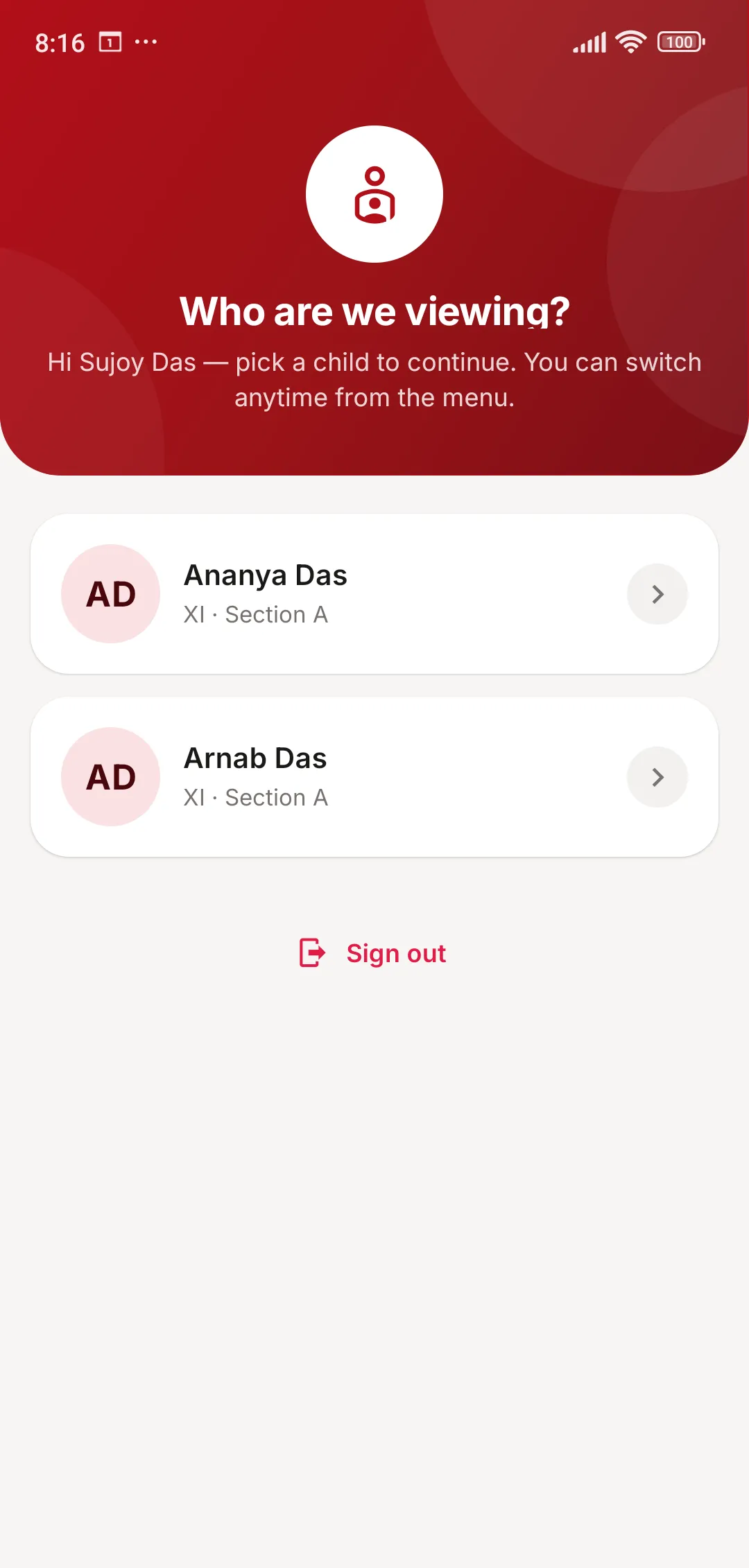
One parent login covers every child in the school.
- Parents switch between siblings in a single tap
- Students see their own profile, class and section
Student Information: common questions
Something else on your mind? Write to us at [email protected].
Can we import our existing student data?
Yes. Students can be imported from a CSV file (Excel can save one), so you don’t re-type records. Staff and library books can be imported the same way.
Can we add fields that only our school uses?
Yes. Custom fields can be added to the student admission form and to staff records from the settings, without any code changes.
Can parents apply for admission online?
Yes. The online admission form can run on your school website, and the application fee can be collected through the payment gateway your school uses — Razorpay, Paytm, PayU, CCAvenue or Instamojo.
What happens to a student’s records when they leave?
They are disabled with a reason, or moved to the alumni register. Nothing is deleted, so past fees, results and attendance remain available for reports and certificates.
Works together with
Fee Management
Fee structures, discounts and fines, counter and online collection, receipts and automatic reminders.
Learn more about Fee ManagementFront Office
Admission enquiries with follow-ups, visitor book, call log, post and complaints.
Learn more about Front OfficeExams & Report Cards
Exam schedules, marks entry, your own grading scales, admit cards, report cards and online exams.
Learn more about Exams & Report CardsSee JCABS with your own school’s data in mind
Book a free online demo. Bring your fee structure and a sample report card, and we will show you how they work in JCABS.